
SMS Templates for Contractors: 20 Texts You Can Use
Twenty ready-to-adapt messages for each stage of the customer journey.
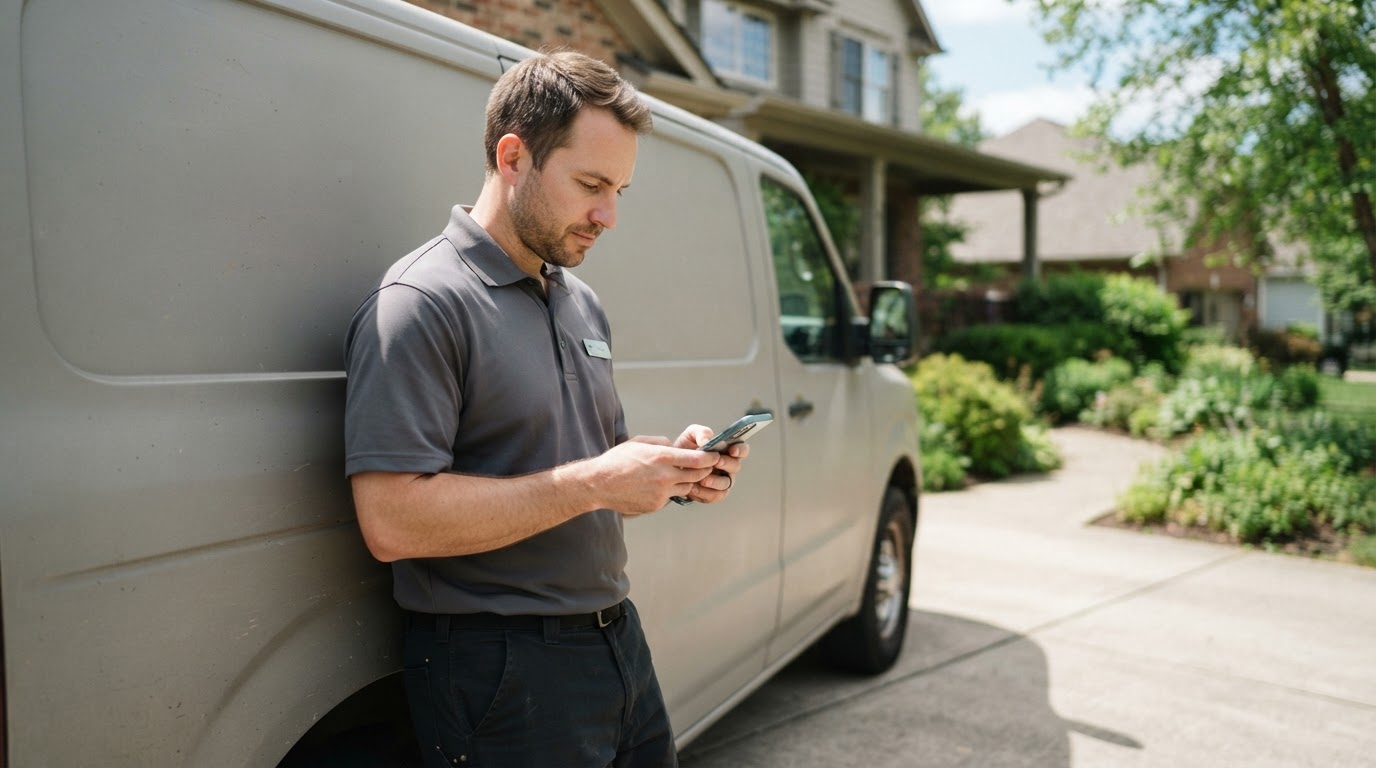
Good contractor texts are short, specific, and easy to answer. Use these 20 SMS templates for contractors as a starting point, then edit them to match how you actually talk to customers.
Replace anything in brackets and test the messages before you use them.
New Lead Texts
1. New Web Lead
Hi [First Name], this is [Name] with [Business]. We got your request for [service]. Is now a good time to talk?
2. Asking for Details
Thanks for reaching out to [Business]. Can you send a photo or a few details about what you need help with?
3. After-Hours Lead
Thanks for contacting [Business]. We're closed for the day, but we'll follow up at [time] tomorrow.
4. No Reply Follow-Up
Hi [First Name], it's [Name] from [Business]. Do you still need help with your [service]?
For more first-contact messages, see our 15 missed call text templates.
Appointment Texts
5. Booking Confirmation
You're scheduled with [Business] on [date] between [arrival window] for [service]. Reply here if anything changes.
6. Day-Before Reminder
Reminder: [Business] will see you tomorrow between [arrival window]. Reply YES to confirm or RESCHEDULE to change it.
7. On the Way
[Technician] from [Business] is on the way and should arrive in about [number] minutes.
8. Running Late
Hi [First Name], [Technician] is running about [number] minutes behind. We're sorry for the delay. Please reply if this causes a problem.
Our guide to reducing no-shows explains how to use these.
Estimate Texts
9. Estimate Sent
Hi [First Name], I just emailed your estimate for [project]. Please let me know if you have any questions.
10. Estimate Check-In
Hi [First Name], have you had a chance to look over the estimate? I'm happy to go over anything with you.
11. Estimate Close-Out
Hi [First Name], I haven't heard back, so I'll close this estimate for now. Just reply if your plans change.
See our guide on how to follow up on an estimate for timing and email versions.
Job Update Texts
12. Work Started
Hi [First Name], our crew has started your [project]. Text this number if you need anything today.
13. Delay Notice
Hi [First Name], your [project] is delayed because [reason]. Our new expected date is [date]. I'm sorry for the inconvenience.
14. Job Complete
Your [service] is complete. Thanks for choosing [Business]. Please let us know if you have any questions.
Payment Texts
15. Invoice Sent
Hi [First Name], your invoice for [service] is ready here: [link]. Please let us know if you have questions.
16. Payment Reminder
Hi [First Name], this is a reminder that invoice [number] is due on [date]. You can view it here: [link].
Be careful with payment links. Customers are wary of unexpected links, so name your business and only send them when the customer is expecting an invoice.
Review and Customer Care Texts
17. Review Request
Thanks for choosing [Business]. If you have a minute, we'd appreciate your honest Google review: [link]
Send review requests consistently. Google prohibits selectively soliciting positive reviews, and our review template guide has other options.
18. Post-Job Check-In
Hi [First Name], this is [Name] from [Business]. Is everything still working well after your [service]?
19. Maintenance Reminder
Hi [First Name], it's about time for your [service]. Reply here if you'd like us to find a time for you.
Depending on the message and your relationship with the customer, this may count as marketing, so check your consent requirements.
20. Opt-Out Confirmation
You've been removed from [Business] text messages. Call [phone number] if you need help.
How to Keep Your Texts Effective
- Identify your business. Your number may not be saved in their phone.
- Send one clear message. Don't pack in several requests.
- Stay relevant. A customer who asked about a leak doesn't need a promotion in the same text.
- Stop when asked. Make sure opt-outs reach your system and your staff.
- Avoid late-night messages. A text about a routine job can usually wait.
Texting Rules to Check
The rules depend on what you're sending and how you're sending it. A few starting points:
- The FCC's archived consumer guidance says commercial texts require written consent and that a past purchase alone doesn't count as permission for autodialed marketing texts.
- Latham & Watkins' summary of a 2026 FCC order says marketing opt-outs still apply to all such messages and that covered revocation requests currently must be processed within 10 business days.
- Twilio explains that A2P 10DLC registration is part of US business messaging on those number types. We cover this in our A2P 10DLC guide.
Ask a qualified attorney to review your process before sending promotional texts.
The Bottom Line
Pick a few templates for the moments where customers most often need information. Make them sound like you, and automate only what makes sense. For help managing this, see Sytclix's SMS Marketing service.
Frequently Asked Questions
Can contractors text customers?
Often, yes, but the rules depend on the type of message, how it's sent, and what consent you have. Ask a qualified attorney about your specific process.
How long should a contractor text be?
Keep it as short as you can while including your business name and one clear next step.
Should I use emojis in customer texts?
Use them only if they fit your brand and customers. Most service messages work fine without them.