
How to Reduce No-Shows for Home Service Appointments
A simple confirmation and reminder process, including text templates you can adapt.
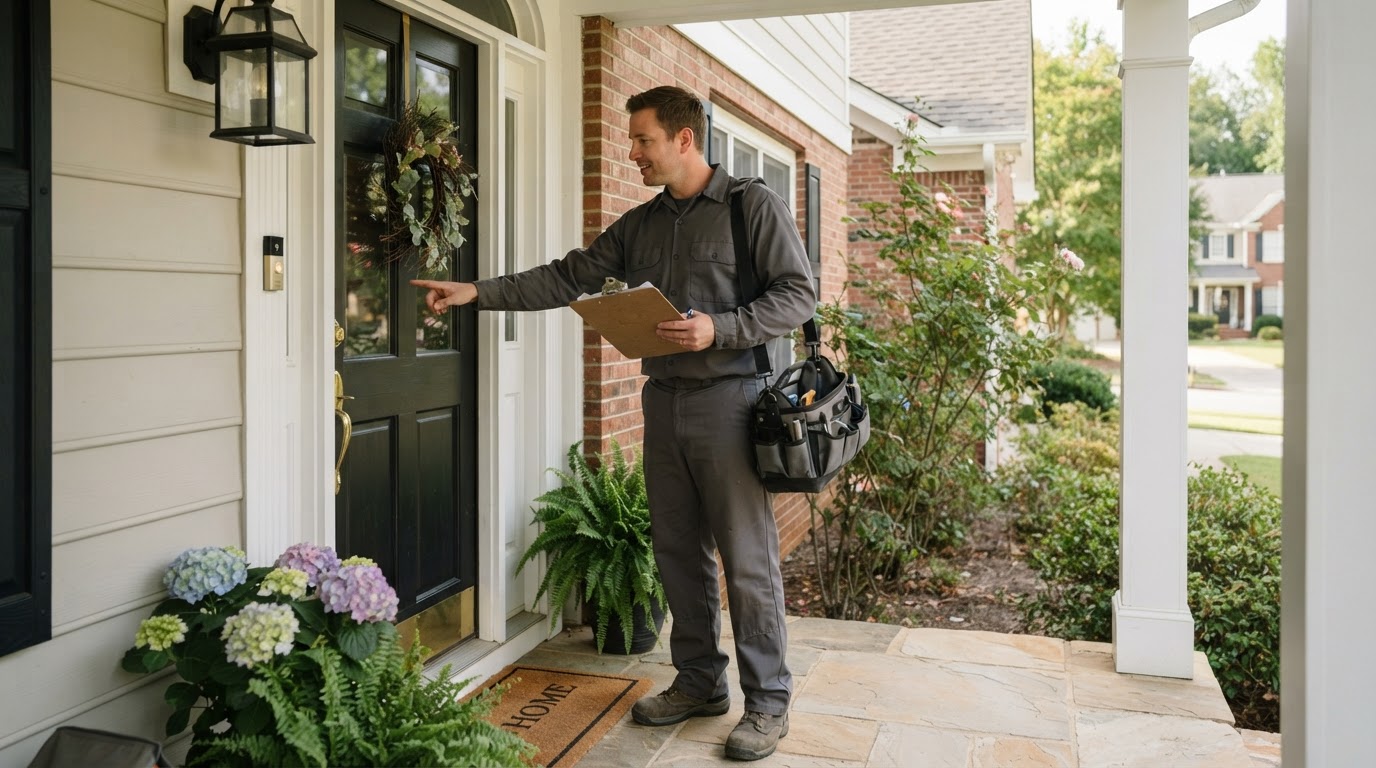
The best way to reduce no-shows is to make the appointment clear, remind the customer at the right times, and make rescheduling easy. Many missed appointments happen because someone forgot, got confused about timing, or couldn't easily change their plans.
Here's how to reduce no-shows for home service appointments without making your customers feel chased.
Calculate What No-Shows Cost You
Track how often a technician or estimator arrives and no one is there, or the customer cancels at the last minute.
Missed appointments ÷ total scheduled appointments = no-show rate
Then estimate the cost. Include drive time, labor, fuel, and the job you could've scheduled instead. Even a few missed appointments can make a route noticeably less efficient.
Before You Book: Set Expectations
Confirm these details before ending the call:
- The customer's name and address
- The problem or service needed
- The exact date and arrival window
- Who needs to be home
- Whether there's a fee
- Any preparation, such as clearing access or securing pets
Repeat the appointment back to the customer. This takes only a moment and can catch a wrong address or date.
Use a Simple Reminder Schedule
| When | Message | Purpose |
|---|---|---|
| Right after booking | Confirmation | Gives them the details in writing |
| Day before | Reminder | Prompts a reschedule if needed |
| Morning of | Optional reminder | Useful for early or longer-window jobs |
| On the way | Arrival notice | Helps them get ready |
Adjust the timing for your business. A same-day emergency needs a different process from a remodeling consultation booked two weeks out.
Reminder Templates
Booking Confirmation
Hi [First Name], you're scheduled with [Business] on [date] between [arrival window] for [service]. Reply here if anything needs to change.
Day-Before Reminder
Hi [First Name], this is [Business] confirming your appointment tomorrow between [arrival window]. Reply YES to confirm or RESCHEDULE if you need another time.
Morning-Of Reminder
Good morning [First Name]. We're still planning to see you today between [arrival window] for [service]. Reply here with any access instructions.
On the Way
Hi [First Name], [Technician Name] is on the way and should arrive in about [number] minutes.
Missed Appointment
Hi [First Name], we stopped by for your [time] appointment but couldn't reach you. Please reply here or call [phone number] and we'll help you find a new time.
For more examples, see our SMS templates for contractors.
Make Rescheduling Easy
If changing an appointment is difficult, some customers will simply avoid replying. Give them one simple way to do it, whether that's a text reply or a phone call.
Try to fill the time slot quickly. Keep a short list of customers who would like an earlier appointment, or use it for jobs you can move up.
When Should You Charge a Fee?
A deposit or trip fee may be worth considering if no-shows are common or the visit requires significant preparation. If you use one:
- Tell the customer before booking
- Put the policy in writing
- Explain how it applies if they reschedule
- Use reasonable exceptions when appropriate
Check local rules and make sure your terms are clear. For many businesses, it's better to start with better reminders before adding fees.
Look for Patterns
Review your missed appointments every month by:
- Lead source
- Service type
- Day of week
- Time of day
- How far ahead they booked
- Whether reminders were sent
If most no-shows come from one lead source, you may have a lead quality issue instead of a reminder issue. In that case, compare your options in our guide to exclusive vs. shared leads.
Keep Your Messages Compliant
Keep appointment messages focused on the service the customer requested. Don't add promotions to reminder texts without checking your consent. The FCC's archived consumer guidance says commercial texts require written consent, and Latham & Watkins' summary of a 2026 FCC order notes that covered revocation requests must currently be handled within 10 business days. Ask a qualified attorney to review your process.
Automate the Routine Parts
You shouldn't need to remember every reminder manually. Our guide to what contractors can automate covers where to start. When the reminder is automated, your team can focus on the exceptions, such as a customer asking to reschedule.
The Bottom Line
Get the details right during booking, send clear reminders, and make changes easy. Then look at your numbers to see what's still causing missed appointments. For help setting up this process, see Sytclix's AI Automation service.
Frequently Asked Questions
When should I send appointment reminders?
A good starting point is right after booking, the day before, and when the technician is on the way. Adjust the schedule for your jobs.
Should customers have to confirm by text?
It can help you spot problems early. Just have a plan for what happens if they don't reply, such as a phone call for high-value appointments.
What should I do when a customer doesn't show up?
Send a polite message, offer a new time, and record the reason if you learn it. Repeated patterns may call for a change in your booking process.